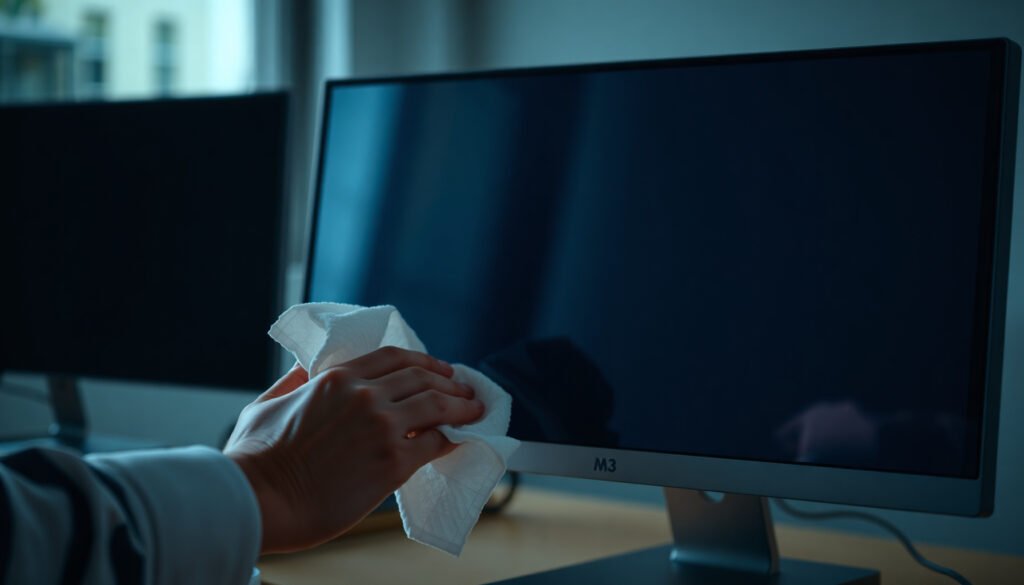

You can disinfect a computer monitor using disinfecting wipes safely by clearing smudges and killing germs without harming the screen’s coatings. In about 5–10 minutes, you’ll be able to wipe away grime evenly, leaving a streak-free finish. Gather the right wipes (ideally screen-safe, not overly wet), a clean microfiber cloth, and a little patience to follow the power-off and gentle-wipe technique.
Power off your monitor, wipe with a screen-safe disinfecting wipe (lightly, not dripping), then let the surface air-dry. This keeps germs down while reducing the chance of streaks or damage from excess moisture or harsh chemicals. In the steps below, you’ll learn exactly how to prepare, wipe, and avoid common screen issues.
If you share a workstation, have kids who touch the screen, or you’re trying to sanitize high-touch areas like monitors in an office, this guide is for you. It’s also useful when you want “disinfecting wipes” to do the job instead of sprays—just make sure the wipes are compatible with your display type.
Gather what you need (and check wipe compatibility)
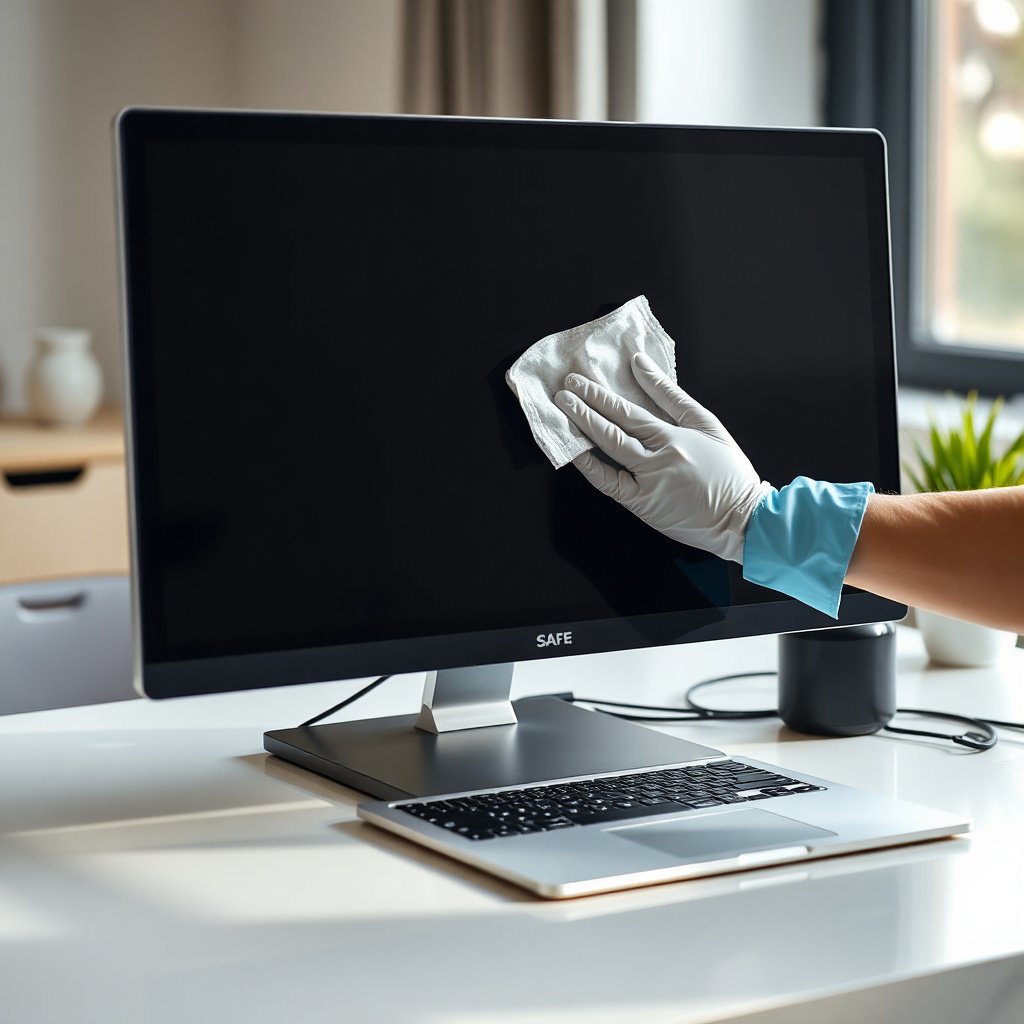
Start by confirming that your wipes are designed for screens—this is the single biggest factor in avoiding coating damage. Then collect a couple of “support tools” so you can remove dust first and buff lightly after disinfection.
– Use screen-safe wipes: Look for wording on the package that says the wipe is safe for LCD/LED/plasma or “electronics screens.”
– Avoid harsh ingredients: If your wipe label includes things like bleach, ammonia, or strong solvents, skip it unless your monitor manufacturer explicitly allows it.
– Have a microfiber backup: Keep a clean, dry microfiber cloth on hand to buff lightly and reduce streaking.
Electronics Screen Compatibility Guide for Common Wipe Actives (Relative Risk)
| # | Wipe active ingredient class | Typical coating risk (relative) | Best use scenario | Compatibility score |
|---|---|---|---|---|
| 1 | Quaternary ammonium compounds (quats) | Low–moderate | Office touch-point disinfection (when labeled screen-safe) | ★★★★☆ |
| 2 | Hydrogen peroxide–based solutions | Moderate (depends on concentration & coating) | Routine disinfection on screens explicitly approved for the active | ★★★☆☆ |
| 3 | Alcohols (ethanol or isopropyl) | Moderate (can dull some coatings over time) | Quick wipe-down when labels say screen-safe | ★★★☆☆ |
| 4 | Phenolic compounds | Higher risk for coatings | Generally not preferred for monitor faces | ★★☆☆☆ |
| 5 | Bleach / sodium hypochlorite | Very high risk | Avoid on screen faces unless explicitly permitted | ★☆☆☆☆ |
| 6 | Ammonia-based cleaners | Very high risk | Avoid on screens; use manufacturer-approved alternatives | ★☆☆☆☆ |
| 7 | Strong solvents (general category) | High risk | Avoid unless your manual permits and wipe label confirms | ★☆☆☆☆ |
Prep the monitor to reduce streaks and protect the coating
Prep is what prevents scratches and minimizes streaks—so the disinfection step actually looks clean. In 2026, most monitor coatings (especially anti-glare layers) are designed to be wiped gently, not scrubbed.
– Shut it down and unplug if possible: A powered screen can be harder to clean properly, and unplugging is an extra safety step.
– Let it cool first: If the monitor was recently in use, wait a few minutes so the surface isn’t hot.
– Remove loose dust dry: Use a dry microfiber cloth first to lift grit—wiping with disinfecting wipes over dust can cause scratches.
For best results, treat the first microfiber pass as a “dust extraction” step, not a polishing step. Once dust is gone, the wipe can do disinfection without abrading the surface. This is especially important for workstation monitors in shared environments where dust buildup is common around vents and desks.
Disinfecting-wipe method (the safest way to wipe a screen)
This method focuses on controlled moisture and gentle technique so the screen gets disinfected without excess liquid. It’s the lowest-risk way to use disinfecting wipes on monitors when you have to sanitize frequently in 2026.
– Use minimal pressure and light contact: Wipe the surface gently; let the wipe do the work rather than pressing hard.
– Don’t let liquid pool: If a wipe feels overly wet, wring it lightly (or use a fresh, less saturated wipe). You want moisture on the screen, not liquid running at the edges.
– Wipe in one direction: For streak control, wipe horizontally (left to right) or vertically—then stop and switch if needed rather than grinding back and forth.
A useful mental model: the wipe should “coat” the viewing surface evenly, not flood the monitor frame. Also, keep your stroke count reasonable—repeated passes while the surface is still damp are where residue and haze tend to form.
As a hygiene context, persistence varies by material and conditions. According to van Doremalen et al., NEJM (2020), infectious SARS-CoV-2 was detected up to 72 hours on plastic and stainless steel, 24 hours on cardboard, and 4 hours on copper. That’s one reason offices often emphasize consistent wipe-downs of high-touch equipment, but technique still matters because the display surface is delicate.
Clean high-touch areas without soaking the edges
The fastest way to improve hygiene without increasing screen risk is to disinfect what people touch most—while keeping moisture away from seams. For many teams, this is also easier to standardize as a short workstation routine in 2026.
– Target the bezel and stand: The frame, buttons/ports, and the area people touch most benefit from disinfection.
– Keep moisture away from ports and seams: Don’t push wipes into gaps. If liquid gets where it shouldn’t, stop and remove excess with a slightly damp cloth on the exterior only.
– Let it air-dry, then buff: After wiping, give the screen time to dry naturally; once dry, you can lightly buff with a clean dry microfiber cloth to improve clarity.
If your goal is “disinfect, then return to normal use,” air-drying is the critical final step. Buffing too soon is a common failure mode because disinfectant residue can smear before it has settled or evaporated.
Pros and cons: disinfecting wipes on monitor faces
- Pros
- Practical for shared offices, fast to standardize for staff, and usually effective when the wipe is labeled safe for LCD/LED screens and used with light pressure (no pooling).
- Cons
- Streaks and haze are common if the wipe is too wet or dust wasn’t removed first; some coatings can dull over time if the wipe chemistry isn’t compatible with the monitor’s protective layers.
- Best-fit use case
- Routine disinfection of monitor surfaces and high-touch areas (bezel/stand) when the wipe label clearly states screen safety.
What can go wrong (and how to prevent it)
Most monitor problems come from two categories: abrasive contact and excess moisture. If you prevent dust-on-wipe wiping and stop pooling, you eliminate the majority of streaks, haze, and edge marks.
– Streaks and haze: Usually happens when the wipe is too wet, you wipe with dust still on the screen, or you buff while the surface is still damp. Fix: dry-dust first, use light pressure, then buff only after drying.
– Damage to anti-glare or protective layers: Some wipes (or aggressive rubbing) can dull coatings over time. Fix: verify wipe compatibility and use microfiber with minimal pressure.
– Discoloration near edges: If moisture seeps into the bezel or seams, it can leave marks or cause long-drying areas. Fix: avoid pooling; stop if you notice liquid collecting at the frame.
If you’re cleaning multiple identical monitors, create a simple, repeatable motion pattern (for example, “wipe in one direction, then one dry microfiber buff after full air-dry”). Consistency reduces both streaks and the temptation to “go back over” areas that are still wet.
Verdict: when disinfecting wipes are a good choice—and when they’re not
Disinfecting wipes are a solid option for quick, routine cleaning when the wipe is explicitly safe for screens and you avoid excess moisture. The main downsides are streak risk (especially with heavily wet wipes) and the possibility of coating damage if the wipe isn’t compatible—important for many monitors used daily in offices and classrooms in 2026.
Skip this approach if:
– Your monitor manual warns against disinfectants or specifically restricts wipes/sprays.
– The wipe label doesn’t clearly mention LCD/LED screen safety.
– Your screen has peeling film, visible damage, or deep scratches, where extra moisture and rubbing can worsen issues.
If you’re unsure about a specific wipe, use the screen manufacturer’s guidance first, then confirm the wipe label is aligned.
Quick scan checklist (save this)
| Step | What to do | Why it matters |
|---|---|---|
| 1 | Power off (and unplug if you can) | Prevents issues and helps cleaning be consistent |
| 2 | Dry-dust with microfiber | Avoids scratching from grit |
| 3 | Confirm wipes are screen-safe | Prevents coating damage |
| 4 | Wipe lightly, no pooling | Reduces seepage and edge stains |
| 5 | Let air-dry | Prevents smearing and residue |
| 6 | Buff with dry microfiber | Improves clarity and reduces streaks |
Frequently Asked Questions
How do I clean a computer monitor with disinfecting wipes without damaging the screen?
Power off the monitor and unplug it, then let it cool so the screen is not hot. Lightly wipe with a disinfecting wipe—don’t press hard—and avoid letting liquid pool around the edges. If the wipe is heavily wet, follow with a dry, lint-free microfiber cloth to remove any residue, and never apply cleaner directly to the display.
What’s the safest way to disinfect a computer monitor using alcohol or disinfecting wipes?
Use disinfecting wipes that are specifically labeled safe for electronics or LCD/LED screens, and check the ingredient list for low risk on coatings (often alcohol-based formulations). Wipe gently in one direction, then allow the surface to stay visibly wet for the time stated on the product label. After disinfection, remove excess moisture with a microfiber cloth to prevent streaking and moisture seeping into the bezel.
Why shouldn’t I spray disinfectant directly onto my monitor screen?
Spraying cleaner directly can push liquid into seams, vents, or the bezel, potentially damaging internal components. It can also leave drips that dry into streaks or create cloudy spots on anti-glare and protective coatings. Instead, apply disinfecting wipes to the screen indirectly by wiping the surface lightly and evenly, then dry with a lint-free cloth if needed.
Best practices for cleaning monitor glass or anti-glare screens with disinfecting wipes?
For best results, start by removing dust with a dry microfiber cloth to reduce scratching, then use disinfecting wipes with gentle pressure. Keep wipes moving—don’t rub aggressively—and avoid circular scrubbing that can worsen visible haze on anti-glare coatings. If streaks appear, use a lightly damp microfiber cloth with plain distilled water (or screen-safe cleaner) and dry immediately.
Which disinfecting wipes are best for computer monitors, and which should I avoid?
Choose disinfecting wipes labeled safe for LCD/LED screens, ideally with “electronics” or “screen safe” guidance and a clear contact time on the label. Avoid wipes containing bleach, ammonia, or harsh solvents, as these can damage coatings and cause discoloration. If you’re unsure, test on a small corner first and stop if you notice peeling, cloudiness, or increased glare.
📅 Last Updated: November 22, 2026 | Topic: How to Clean a Computer Monitor With Disinfecting Wipes | Content verified for accuracy and freshness.
References
- https://www.cdc.gov/coronavirus/2019-ncov/community/disinfecting-building-facility.html
- https://www.who.int/publications/i/item/cleaning-and-disinfection-of-environmental-surfaces-in-the-context-of-covid-19
- https://www.epa.gov/coronavirus/cleaning-and-disinfecting-your-facility
- How to clean your Apple products – Apple Support
- screen disinfection electronic devices alcohol wipes – Search Results – PubMed
- disinfecting touchscreen surfaces study – Search Results – PubMed
- effect of disinfectants on lcd screen coatings – Search Results – PubMed
- https://scholar.google.com/scholar?q=cleaning+lcd+monitor+disinfecting+wipes Google Scholar
- https://scholar.google.com/scholar?q=disinfection+of+touchscreens+alcohol+wipes+study Google Scholar
- https://scholar.google.com/scholar?q=screen+cleaning+guidelines+manufacturer+disinfectant Google Scholar